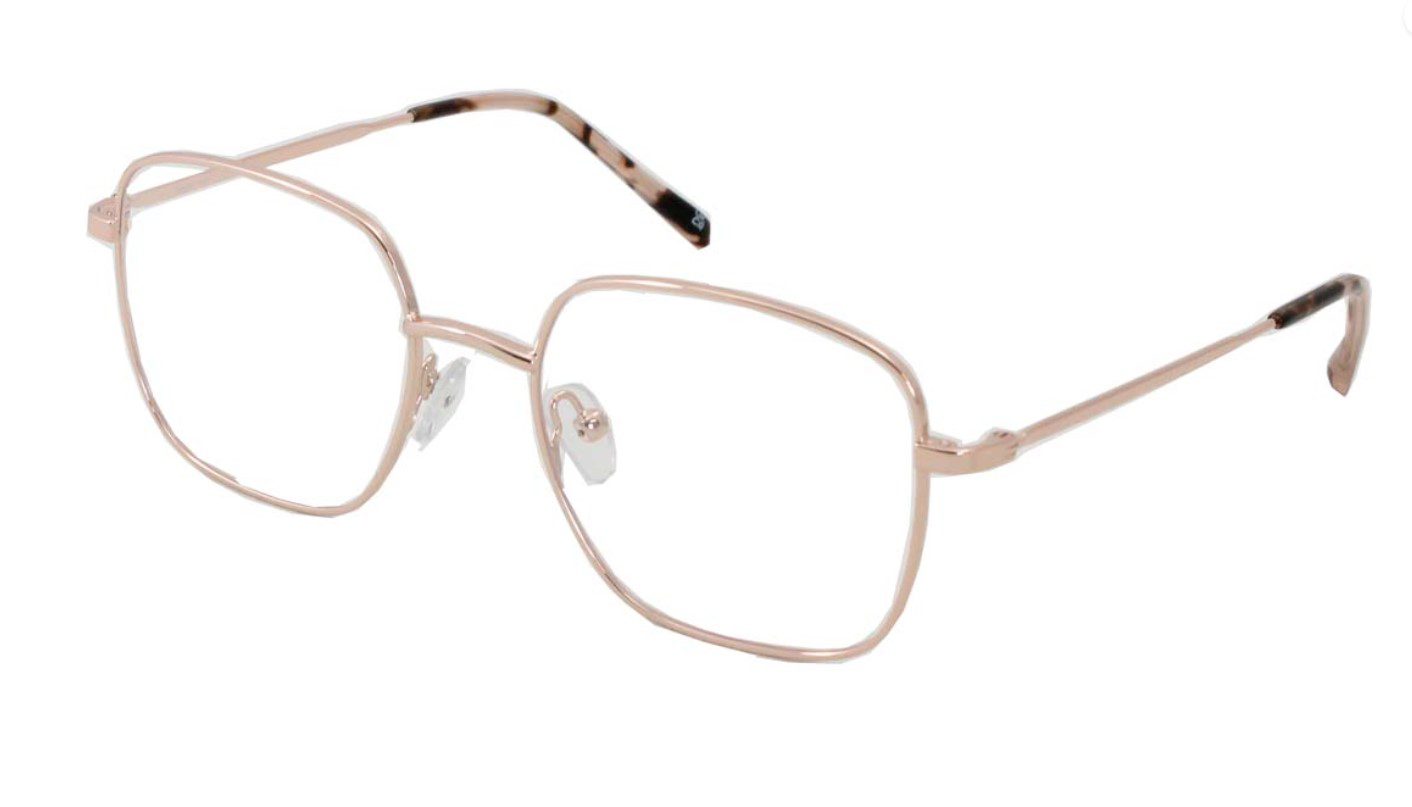
These days, everyone is working from a computer. Studies indicate that 92% of jobs require some sort of digital skills, and with around 75% of people needing some sort of vision correction, that means the vast majority of people could benefit from owning dedicated glasses for computer use.
There are various reasons why you might need special glasses for extended screen time, including:
- Extended computer time results in eye strain and fatigue, especially if amplified by the wrong glasses
- Computer Vision Syndrome (CVS), caused by extended use, can result in dry and uncomfortable eyes
- The blue light from computers and screens can strain your eyes, as well as disrupt sleeping patterns
- Certain glasses can amplify the glare from computer screens, exacerbating the other issues
- Older people, or those with reading issues, might need glasses for computer screen detail analysis
It’s also worth noting that computer use occupies the “immediate vision zone”, meaning it’s too close for distance glasses but too far for reading glasses. This article offers some insights into how you can find a suitable pair of glasses for screen time, allowing you to work and relax without feeling strained or uncomfortable.
Step 1 | Get an eye exam
The first step before getting any set of glasses should be to refresh your prescription. This will assess your overall eye health, determining your requirements more accurately. Make sure to include details of your computer usage as this will guide your opticians recommendations.
Step 2 | Find the right glasses for computer screen time
Once you’ve had your exam, your optician should guide you through the lens options at your disposal.
Computer glasses (occupational lenses)
These are progressive (varifocal) lenses, designed with wide immediate vision zones for computer screens. The bottom of the lens uses your reading prescription for close-up tasks, like looking at your keyboard or specific documents. They minimise the need for head movement, enhancing working posture, while supporting your eyes during screen time.
Single vision computer glasses
These are great lenses for people who only need a little bit of correction, not requiring help beyond their screens or varifocals. They’re tailored to your specific screen distance, offering a wide field of vision for the screen. It’s worth noting they will make the space beyond the screen blurry, so will come on and off throughout the day.
Blue light glasses
Blue light glasses are considered an important tool for many, whether they have a prescription or not. They use a special coating to filter out blue-violet light from screens, helping to reduce eye strain and decrease glare, potentially supporting sleeping patterns. Blue light filters can be added to any other glasses for computer use.
AR and MAR coating lenses
Anti-reflective (AR) and multi-anti-reflective coatings are a wise investment for anyone buying computer glasses. AR coating eliminates reflections on the front and back of lenses, reducing glare from computer screens and more, aiding with clearer, more comfortable vision.
It’s also worth noting that there are some other enhancements you can make to lenses, such as:
- Scratch-resistant coatings
- UV protection coatings
- Hydrophobic/oleophobic coatings
- High-index lens material (for lightness)
Step 3 | Find your frames and get to work!
Once you’ve determined the lenses on your glasses for computer work, it’s time to find the perfect frames. Go to a traditional or online store, find a brand you like and choose a set that suits your face shape. Remember, comfort and fit are just as if not more important as the style. These are glasses you’re going to use daily, so choosing the right feel is vital.
With your new glasses, you can get through those days of screen time with minimal strain and maximum comfort. Happy shopping!



Leave a Reply