Since having baby Olivia, it’s like almost every priority has changed. I’ve stopped caring about having a visually pleasing home, and now think about the practicalities of everything. Our fireplace has never looked so bare (gotta keep all those items out of reach!), what was once a nice fluffy grey rug is now lined with soft foam play mats, and I even pop open the travel cot and move it around the home for safe play spaces for Olivia.
My once tidy and attractive creative space I called a home office is now a spare room, with no space to actually sit at the desk anymore. I mean, a spare bed is crucial when you have a newborn that doesn’t sleep well, and you and your partner take sleeping as ‘shift’ patterns!
It’s funny how home life changes. I’m all focused-on safety and protection, which is why this product review stood out to me. Hive launched a ‘Smart Tech to Protect’ campaign, in which I was introduced to the Hive View Indoor Camera, part of the brands smart security system range, and I realised an item like this had been the home piece I was missing!
Along with my home priorities changing, we’ll also be doing more travelling this upcoming holiday season. Lots more family to visit now we have Olivia, meaning leaving our home empty for periods of time.
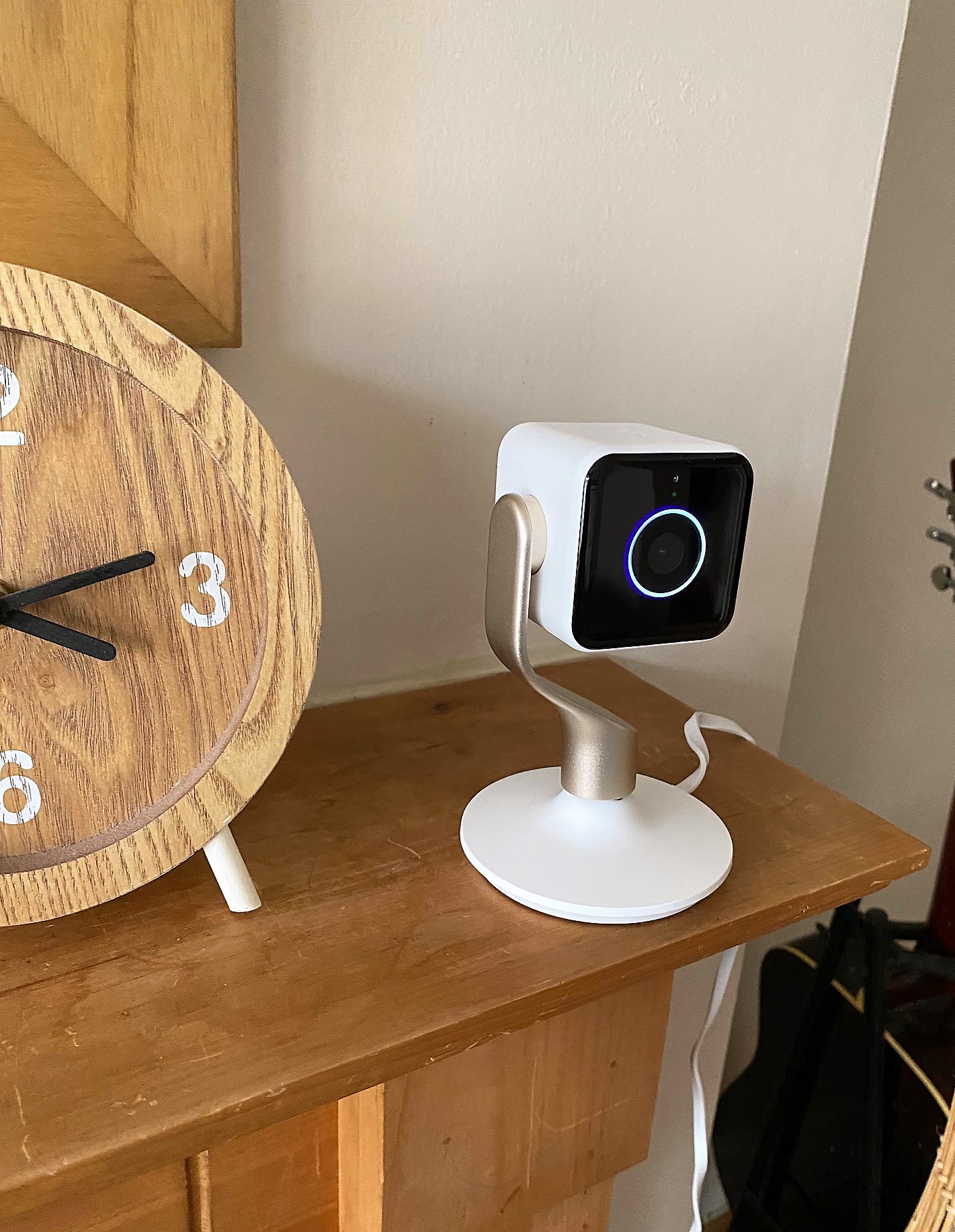
First of all, we have the Hive View Indoor camera, which is actually a very aesthetically pleasing addition to my home. I thought the original baby monitor we had for Olivia was all I needed when it came to a camera for the inside of the home, without even really thinking about how to keep an eye on the inside of my home when going away. But with our baby monitor being set up in her bedroom and being no use to me when I was in other rooms of the house without dragging a bulky monitor screen around with me, I realised a sleek indoor camera was actually something vital for me and my family. Peace of mind, to say the least.

I’ve owned the Hive View Indoor smart camera for around a month now, and I wanted to put this post together to share how I’ve been using it around the home, and how it’s helped us protect our home, as well as give us peace of mind. More so, we’re coming up the season where people are travelling for the Christmas festivities etc., in which home security becomes that little more popular. I know for us, the Hive Indoor View will be brilliant to have while we’re out on any Christmas trips from November onwards. The government have previously warned about a potential post-lockdown burglary rise, so I do feel the smart security systems are worth looking into before planning any trips and leaving your home during the holiday season.
I will hold my hands up and say I didn’t give home security much thought until this year. I guess having a baby makes you think a little more about not only protecting your home, but your family too. And we have more valuable items in our home now due to the baby equipment. So below, I’ve shared some information on Hive HomeShield, and how it’s really got me thinking…

How Hive HomeShield can help with home protection
Hive HomeShield lets you protect your home easily through your phone, using Hive devices to deter intruders and monitor your property. It works for both inside and out, although I have just begun with protecting the inside to start with.
When using Hive Homeshield, you get intelligent alerts and the option to livestream from your cameras to your device, watching the noise or movement as it happens. If you needed, you can share video evidence with authorities. It’s smart tech which lets you relax a little, especially coming up to the festive season. To get started with Hive HomeShield, you can subscribe for for £9.99 a month. Having this unlocks all kinds of smart monitoring features in your Hive app. You can then connect any Hive devices you already have installed. So if I am to go ahead with Hive HomeShield, I’ll be connecting my Hive Indoor View, which I’ve talked about below.
Hive HomeShield is what I like to think is the ultimate peace of mind for home security. You get everything from setting your alarm remotely from your smart tech device, get notifications when action is triggered, use guest PIN codes if needed and multi-camera views.
One of the best bits? Even if your internet goes down, your HomeShield sensors will continue to work!
Setting up the Hive View Indoor camera:
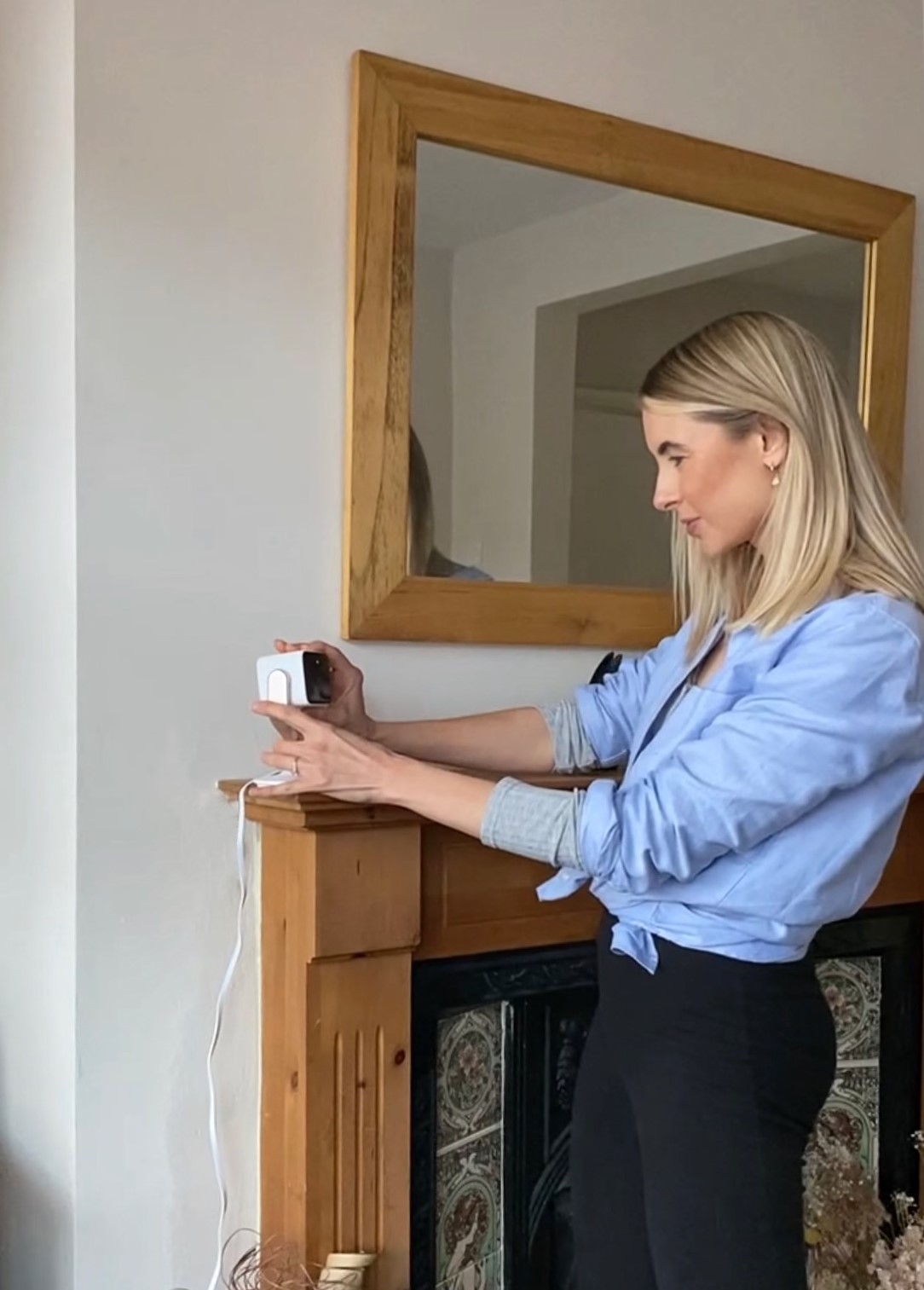
There isn’t really much assembly to do at all! Basically, the camera stand has a magnet which holds the camera in place, and the stand base has a magnet which holds the stand in place. So it kind of just pieces itself together with no fiddling at all! For us, we’ve not attached the camera to the wall, although you do have the option to if you wish. To practice using it, me and my partner have been taking it in turns to set up the camera in the rooms that Olivia is in. So say for example, when I’m in the Kitchen and Martin is in the living room with Olivia, I can have a little nosey via the Hive app to see what she’s up to. It’s given me a good understanding of the views and motion detections that pick up when monitoring inside action.
The actual set up is easy peasy. To get everything up and running, you just have to download the Hive app, and register for a Hive Account. Just to be clear, you can’t monitor the camera from your computer, it’s via your mobile only. This is exactly what both me and my partner wanted. I mean, we carry our phones everywhere, and we wanted to be able to watch Olivia when she has a nap in her travel cot in the living room, or a little sleep in her cot upstairs in her bedroom. Plus, when we’re out and about over the upcoming holiday season, we can check on our Hive app when motion has been flagged.

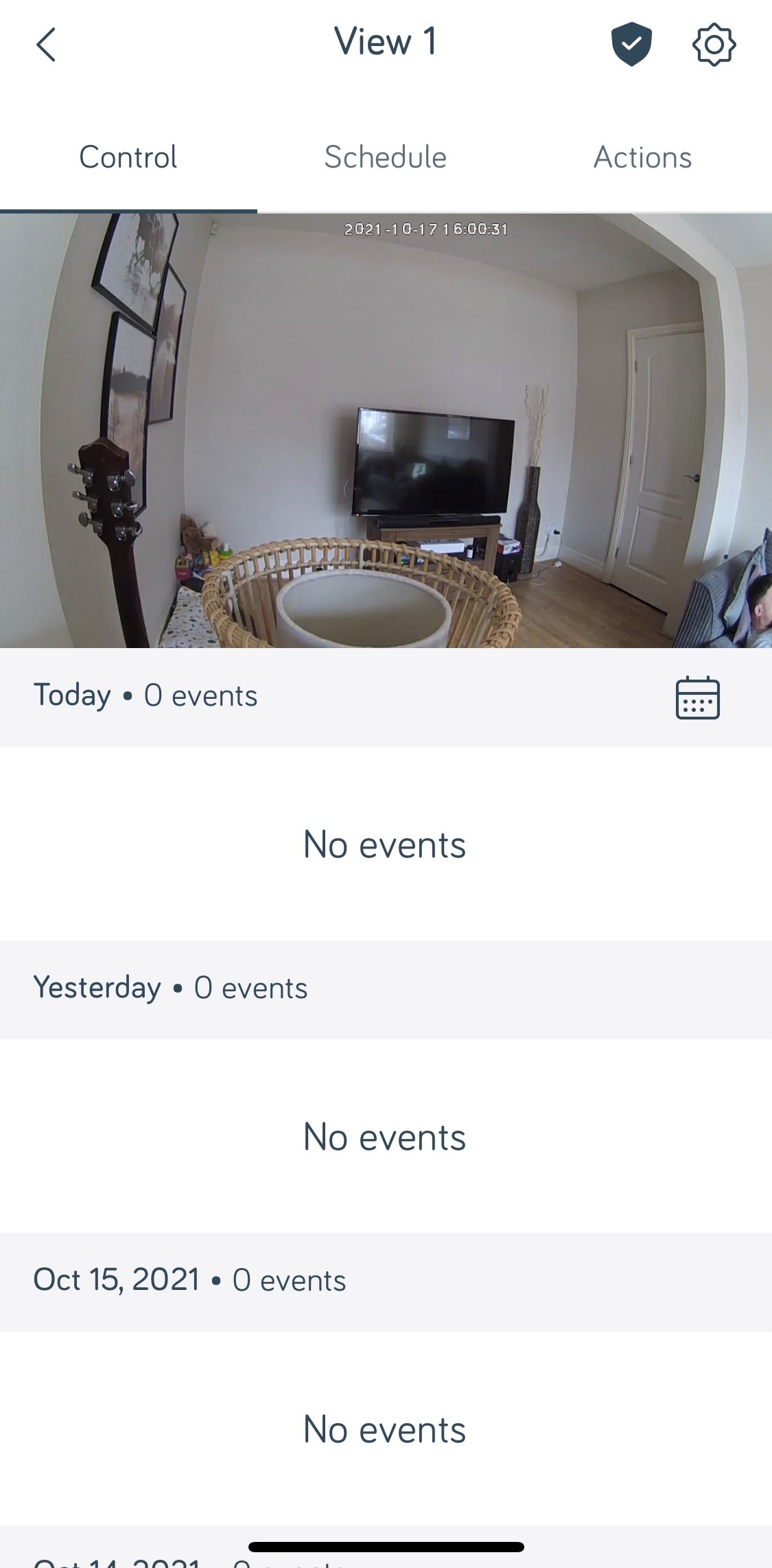
It’s also super handy to know when if we ever hear a noise in the house, especially at night when we are in bed, we can quickly grab our mobile phones – which are always attached to us let’s face it – and quickly check the camera via the Hive app.
There’s a little instruction booklet that comes with the camera, which is very simple and honestly I’m just useless with setting up any technology but even I could master this one with no help!
Camera Quality
I didn’t have the highest of expectations on the camera if I’m being honest, as I’ve seen how poor some mobile apps can be. However, I was overly happy with the result of this one. The picture quality is great both in the day, and when it’s dark too. When I first got the camera, I only really considered using it in the day, for keeping an eye on other rooms in the home. But we’ve used the camera in Olivia’s bedroom when she’s napping in the cot with the curtains closed, and at night too, and both have given me a clear, bright view. When I researched into it, the camera relies on the infra-red lighting that is built in to give a clear vision.
Our uses and movement
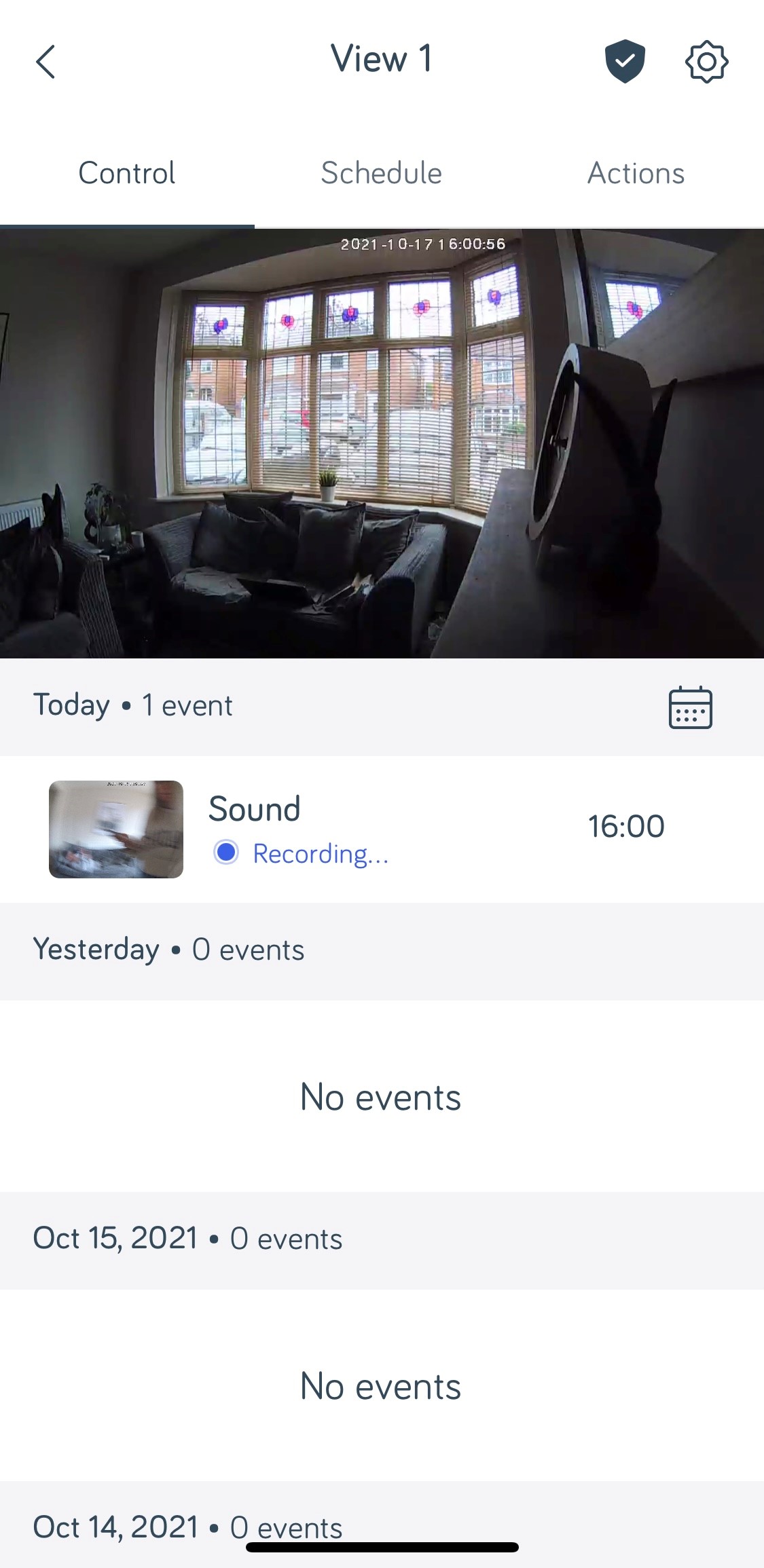
Although we have found the camera great for keeping an eye on the little one if any of us go into a different room and want to see how she’s getting on (for example, when I’m working in the dining room, I can have a little look to see her playing with my partner in the living room for when I’m missing her!), we’ve also used it for safety and protection reasons. The Hive View Indoor gives us reassurance that if anything was to happen with our home – like burglary of theft – wherever we are, we will be notified. We’ll simply be able to clink into the app and see the footage of what has set the camera off, whichever room the camera is set up in.
That being said, we’ve also found it useful to detect movement outside the house, but using it inside. Although this isn’t the main feature of the Hive View Indoor, we did test this out a little with good results. What I mean by that is that on the odd occasion, we’ve placed the camera on our window ledge and faced the camera pointing outside. We found the movement detection to be fantastic this way, although before you play with the settings, it does pick up every person or motion that moves outside the home.
It is quite sensitive, but I found you can set it to trigger at “people” or “all motion” in the detection menu. Obviously, if I was wanting the camera purposely to pick up detection of people outside the home, I would look to invest in the Hive View Outdoor. This one works well on the “People” setting, but it can miss detection if the lighting is poor.
Viewing and everything Hive app related
To save bandwidth, the video in the Hive app doesn’t stay on “Live mode”. Instead, you have to select it in the app and it will then come into view. When the camera starts to detect motion, it will then automatically start recording. It then stores the clip with a timestamp and a thumbnail so you can what time the action took place. It’s possibly worth mentioning at this point that you do need a paid subscription to Hive to see more than 24 hours’ worth of clip recordings. You can find out more over at the app, but from first glance, it’s around £3.99 a month for 30-day storage.
Overall thoughts
For us, we wanted an indoor camera for multiple purposes, and it superbly does the job for each of these. It has the added bonus of being such an attractive looking home camera, in which I happily have it on display in whichever room I am setting it up in. I have the white and gold version, which looks sleek and modern. Visually pleasing for any home!
It gives the ultimate peace of mind when planning those trips over the busy festive season. There may be lengths of time when your home is empty, and if you’re anything like me, you can’t help but worry.
If you were to be using it to capture footage in the home – like burglaries or any theft action – the camera isn’t tiny or discreet, so bear in mind it does have to be in clear view in order to capture footage, and a thief could possibly spy it too. We have it on the bottom shelf of our TV unit sometimes in the corner, so it’s not in direct eyeline yet can still capture the full room.
It is really easy to set up, which is one of the main selling points for me. I run a mile at complicated or time-consuming technology, but this one really is fool proof. I also love how the video quality of the camera works in both day and night lights, which is especially handy when you have little ones in the house you want to capture.
I know I mentioned I have pointed it facing a window to test its ability for outdoor activity, which it does actually do a good job of. However, as mentioned above, it’s the Hive View Outdoor you should opt for if outdoor security is what you’re after. You won’t get a super clear image unless your outside is well illuminated, as it’s primary use is for inside the home.
Other factors which ticked the boxes for me was that is has a switch-off noise warning in the camera, basically a chime sound warning of a status change. So you don’t have to worry about forgetting it’s plugged in when you don’t need to use it.
Something I haven’t yet tried out yet but super keen to is its ability to work with smart tech, like theAlexa, Apple, IFTTT and Google Home. We have the Google Home device, so I’m interested to see how the two could work hand in hand.
All in all – a fabulous device for the upcoming festive season!



Leave a Reply