
More than 300 billion minutes of conversations are spent on Skype every year, and more than half of them are video calls. These are the numbers that Steve Ballmer, Microsoft CEO, released at CES a while discussing the software’s success. In fact, more and more people utilize video calls as their main method of keeping in touch. And all of them want to look their best on the screen.
Hours spent in front of a webcam peephole have become almost the norm for both work and personal life. Zoom, Skype, and other programs have invaded our lives and are not going to leave them anymore. Job interviews, daily work planning meetings – all of this is now done remotely. If you are still afraid to turn on the webcam during a video call or just want to look a little better on Skype / Zoom / Google Meet next time, we have collected a couple of useful tips for you on how to look stunning when on a video call.
#1 – Prepare Your Space for a Video Call
Why do bloggers come out to shoot beautiful videos? Because they carefully think through every detail: from books on the shelf to their clothes. It happens that they equip a special room with perfectly arranged furniture and carefully selected accessories. You don’t need to bother that much or do room renovation when you prepare for a video call. Just pick a spot that is comfortable and well-lit, preferably with a solid background, like a plain wall or one with a shelf that doesn’t have a load of junk on it!
#2 – Adjust the Light
The trick is that you need to position yourself so that the light hits your face from behind the camera. Almost all modeling agencies work according to this principle. The right amount of natural light can help you hide skin imperfections and make your look fresher as if you de-puff face. To do this, you should better sit in front of a window or use a lamp.
#3 – Camera Positioning Rules
To look nice in a video call, you can raise the camera to eye level. This will make a face a little tidier. Also, to visually make your cheeks smaller, you can place the camera a little higher as if you are taking a selfie. And to visually reduce the nose, you can use the secret of Princess Diana: tilt your head slightly down, and then move it to the right, raising your eyes to the camera.
Lifehack: in order to look like a model on video calls, you can move the camera. Position yourself at a distance of up to 1 meter. Yes, this way, the camera will capture more of the external environment, but against the background of all this, you will seem smaller, and skin imperfections will also be less noticeable. Of course, such a trick cannot replace a skincare routine, so you should not forget about it as well.
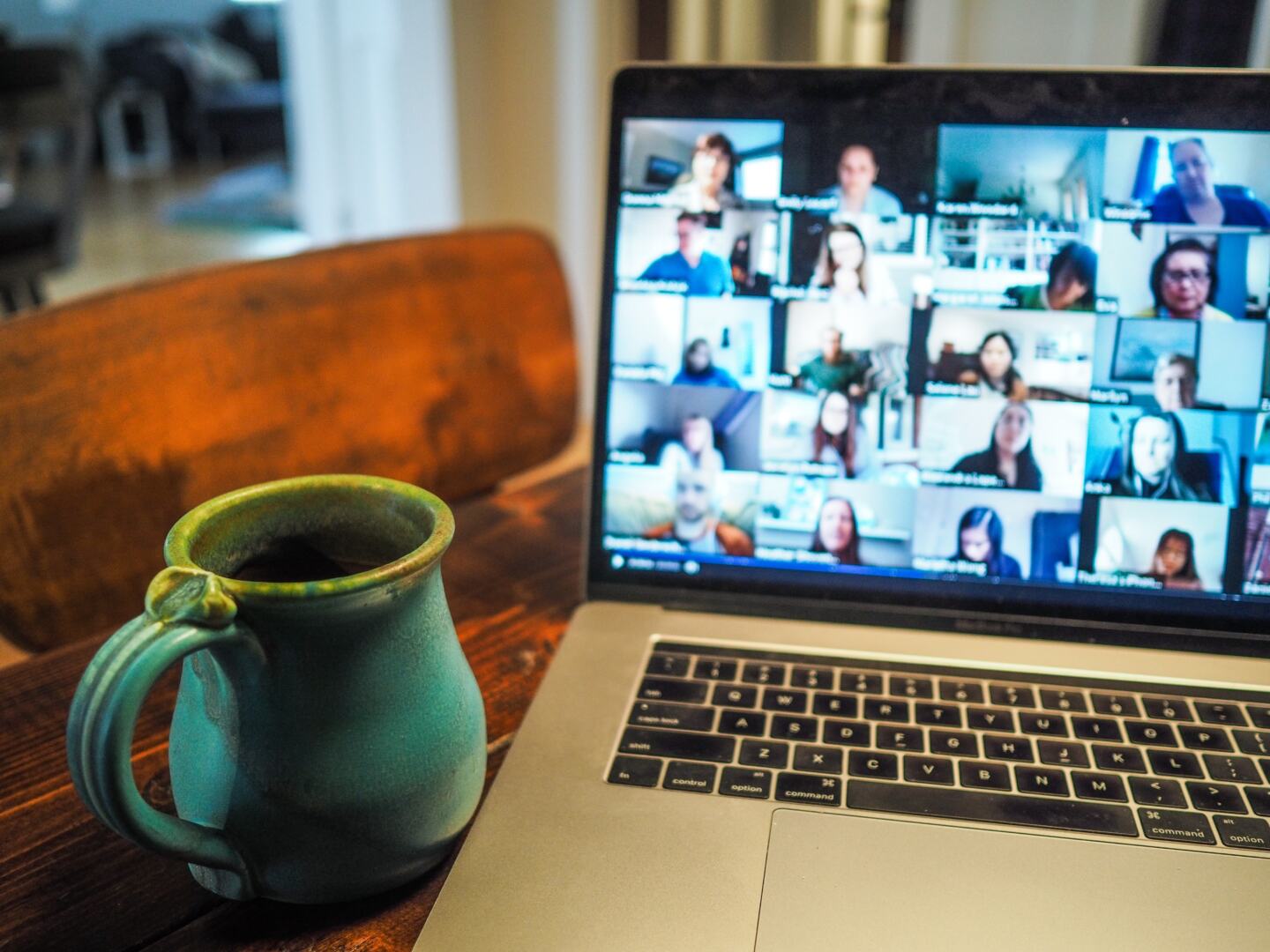
#4 – Don’t Be Afraid, Behave Naturally
You will hardly be afraid or nervous when having a call with your colleagues or loved ones. There is no need to be afraid that someone will be surprised to see you not in a formal suit or without makeup. It is natural to work at home in home clothes. The main thing is that you are well-groomed, in decent attire, and ready to discuss work.
#5 – Do a Practice Run
Preparation is very important. You should not start your video conference and then try to set up the right lighting or style hair. You need to get ready for the call in advance if it’s an important one, say for example, a job interview or a call with someone special.
#6 – Find the Right Distance
If you are too far away or too close to the webcam during a video call, it is very distracting! It is best to maintain a static distance with the camera. A good rule of thumb is to keep the device at arm’s length.
#7 – Look Only at the Camera
It often happens during video calls that the image of the other person can be distracting, which is why you look a little away from the camera and not at the device itself. However, one of the main rules of video calls is to look directly at the camera. There are a few tricks you can use here:
- Stick a piece of paper with an arrow pointing at the camera;
- Move the chat window as close to the camera as possible;
- Write hints on the sticker and place it next to the camera.
#8 – Find the Perfect Viewing Angle
It is always worth remembering that even a small change in camera position can make a huge difference. This is especially important when you are at an online conference. That is why it is important to look at the camera slightly from above.
#9 – Minimise Movement
A lot of movement during a video call can cause problems. First, it is very distracting. Secondly, it can cause pixelation of the video stream and significantly reduce the quality of the image. Therefore, you need to minimize movement. In addition, it is not a good idea to lean back or forward, as this can distract the other person and lead to a loss of concentration/attention.
#10 – Ask a Friend for Help
In the case you are not sure if you are ready for an important video call, then chat with a friend and ask for help. A loved one will surely help you spot any problems with your appearance, lighting, background, and sound. If your friends are busy and cannot do the video call test with you, then you can always use a webcam recorder to run a test drive yourself. Do this ahead of time so that you can make the necessary changes before the real call.
Final Thoughts
Whether you’re getting ready for online dating, a video call with friends, video conferencing with colleagues, or an online interview, the above tips will definitely help you look nice on a video. It is always worth remembering that the first impression is very important: do not let yourself and others down because of some small inaccuracies!



Leave a Reply